
Site Timezones
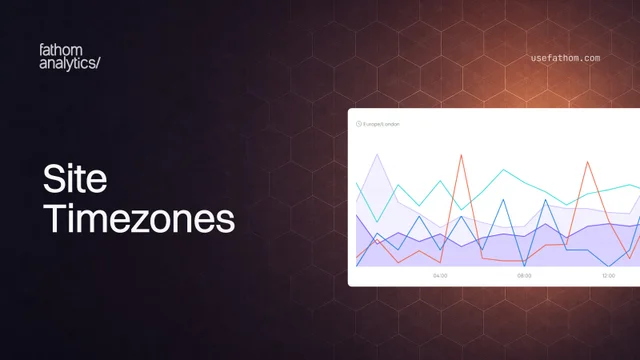
If you work with people in different parts of the world, you may have noticed that “Today” did not always mean the same thing to everyone. Fathom previously used the timezone of the browser viewing the dashboard, so two people could see different day boundaries for the same site.
Every site now has its own reporting timezone. Once you set it, everyone sees the same dates and figures for that site, wherever they happen to be.
The site’s timezone is used across your dashboard, including date ranges, chart groupings, comparisons, milestone markers on the chart, blocked bot figures and shared dashboards. It also applies to dashboard exports and becomes the default for API aggregation requests, although API users can still pass a different timezone when needed.
On the All Sites view, the date picker uses your account timezone, and each site tile uses that site’s own timezone.
We’ve added a few ways to configure it:
- Set one timezone for every site: useful if all your sites report from the same location.
- Choose a timezone for each site: handy when you manage sites across different countries.
- Pick a default for new sites: future sites will start with your preferred timezone, which you can change for each site later in its settings.
Your reporting timezone now appears above the dashboard chart, so you can always see which one is in use. If you own the site, click it to open the setting. You can also change it from the site’s settings.
Existing sites were set to UTC. If UTC is not right for you, click the timezone shown above its chart, or open the site’s settings.
Jun 15, 2026