
Enhanced Data Export
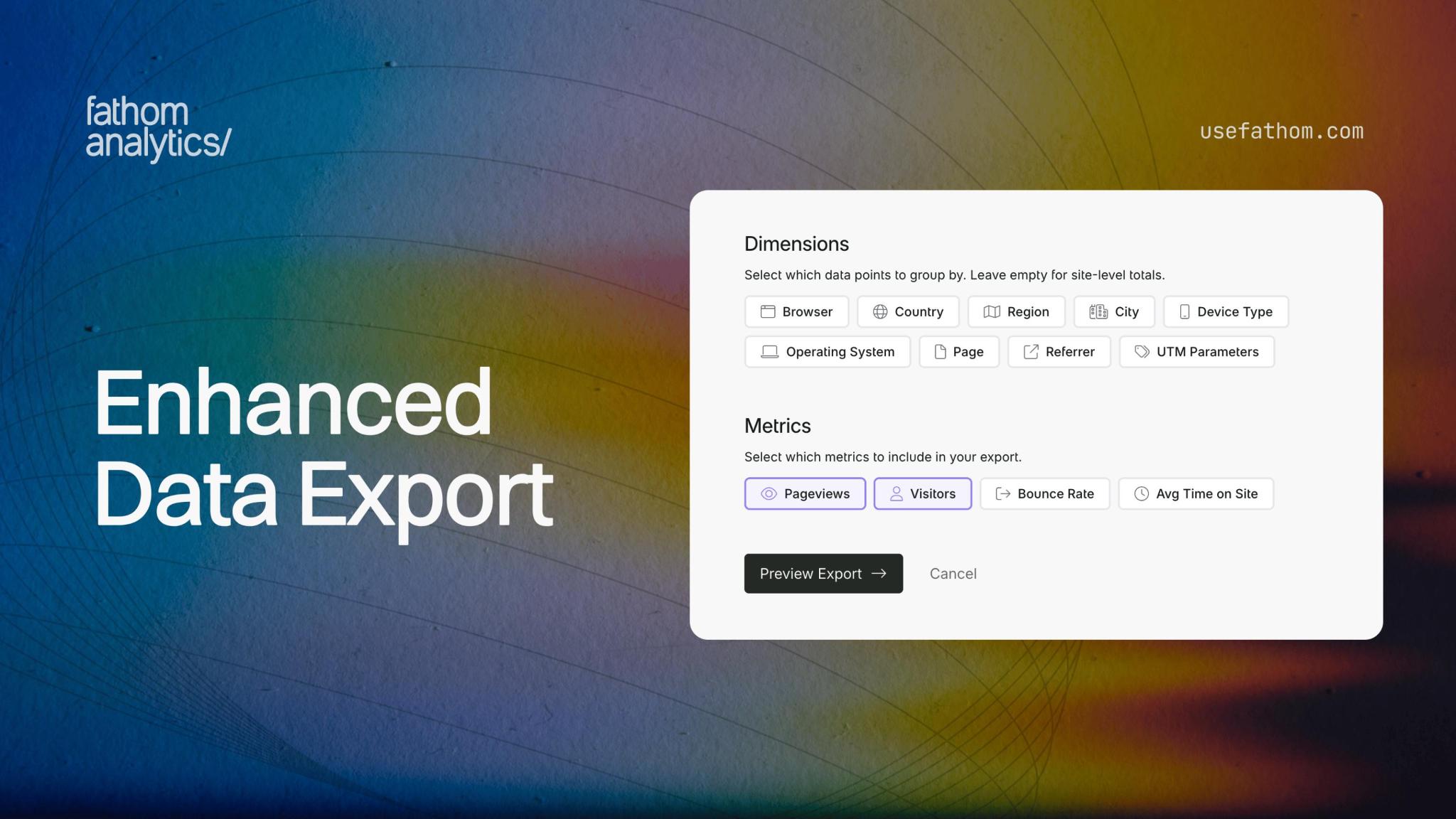
We’ve completely rebuilt our data export system to give you full control over exactly what data you export and how it’s organised.
Previously, our data exports gave you a fixed set of CSV files with all your data broken down in predetermined ways. It worked, but it wasn’t flexible. If you only needed pageview data by country, you’d still get files for browsers, devices, referrers, and everything else.
Enhanced data export gives you complete control over the data you export. Now you can customise every aspect of your export:
- Pick your data type - Export pageviews or events separately, each with their own relevant metrics
- Select your dimensions - Choose from Browser, Country, Region, City, Device Type, Operating System, Page, Referrer, UTM Parameters, and Event Name. Select multiple dimensions or none at all for site-level totals
- Choose your metrics - Include only the numbers that matter to you, like Pageviews, Visitors, Bounce Rate, or Avg Time on Site, etc.
- Set your date grouping - Aggregate by hour, day, week, month, or year depending on how granular you need the data
- Select your date range - Use the date picker to select a custom date range, or select from any of the date presets, like Last 30 days, This Year, All Time, etc.
- Choose your timezone - Dates in your export will match your selected timezone
Before you commit to an export, you’ll see a preview showing your configuration summary, estimated row count, and sample data.
It’s also worth pointing out that we’ve added UTM parameters to exports. You can now break down your data by utm_source, utm_medium, utm_campaign, utm_term, and utm_content.
You’ll find the new exports by clicking the Export button on your dashboard and selecting “Custom Export” to jump straight there. Or, under Settings → [Your Site Name] → Exports tab.
For a full guide on using the new export system, check out our export documentation.
Jan 19, 2026